Appearance > Text Comparisons
Find it under Settings > Application > Appearance > Text Comparisons.
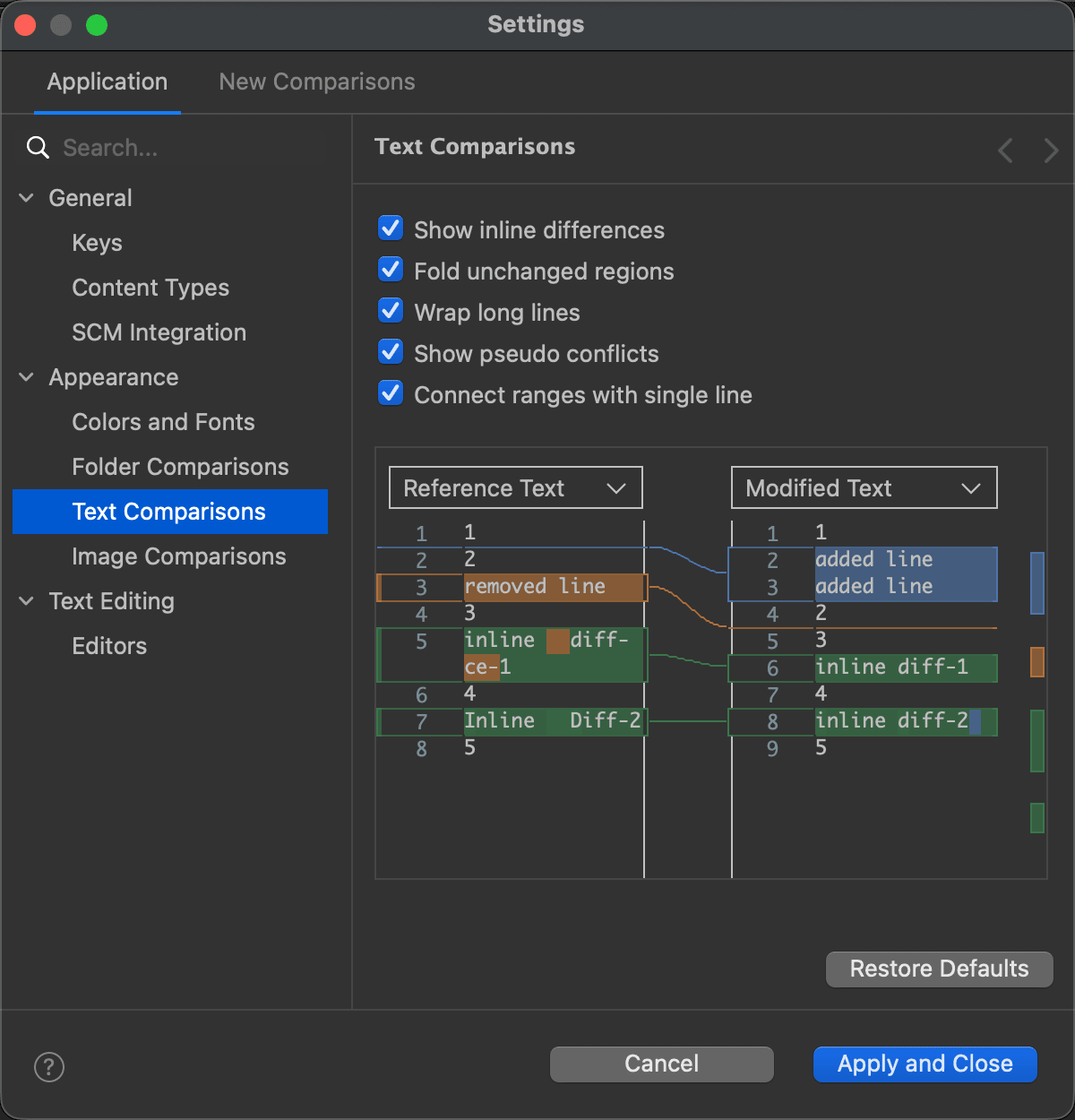
This page offers the following settings. The preview below them shows what they do:
| Setting | Description | Default |
|---|---|---|
| Show inline differences | When on, DeltaWalker Classic shows the detailed differences (added, deleted and changed characters) within the differing blocks of text of a file comparison. | On |
| Fold unchanged regions | When on, long runs of unchanged lines are folded away in the text editors, leaving a few lines of context around each difference. A folded region can be expanded and collapsed again, and doing so in one editor does the same in the others. | On |
| Wrap long lines | When on, the text editors wrap lines longer than their width at word boundaries. | On |
| Show pseudo conflicts | When on, pseudo conflicts are shown in three-way comparisons (DeltaWalker Classic Pro and Oro). A pseudo conflict occurs when the first and the second file have the same difference from their common ancestor, for example when two developers make the same change, such as adding or removing the same line of code, in their copies of a file. | On |
| Connect ranges with single line | When on, the differing ranges of the editors are connected by a single line; when off, by a flexible, arrow-like connection. | On |
The page
Related Topics
Last updated on