Print Preview Dialog
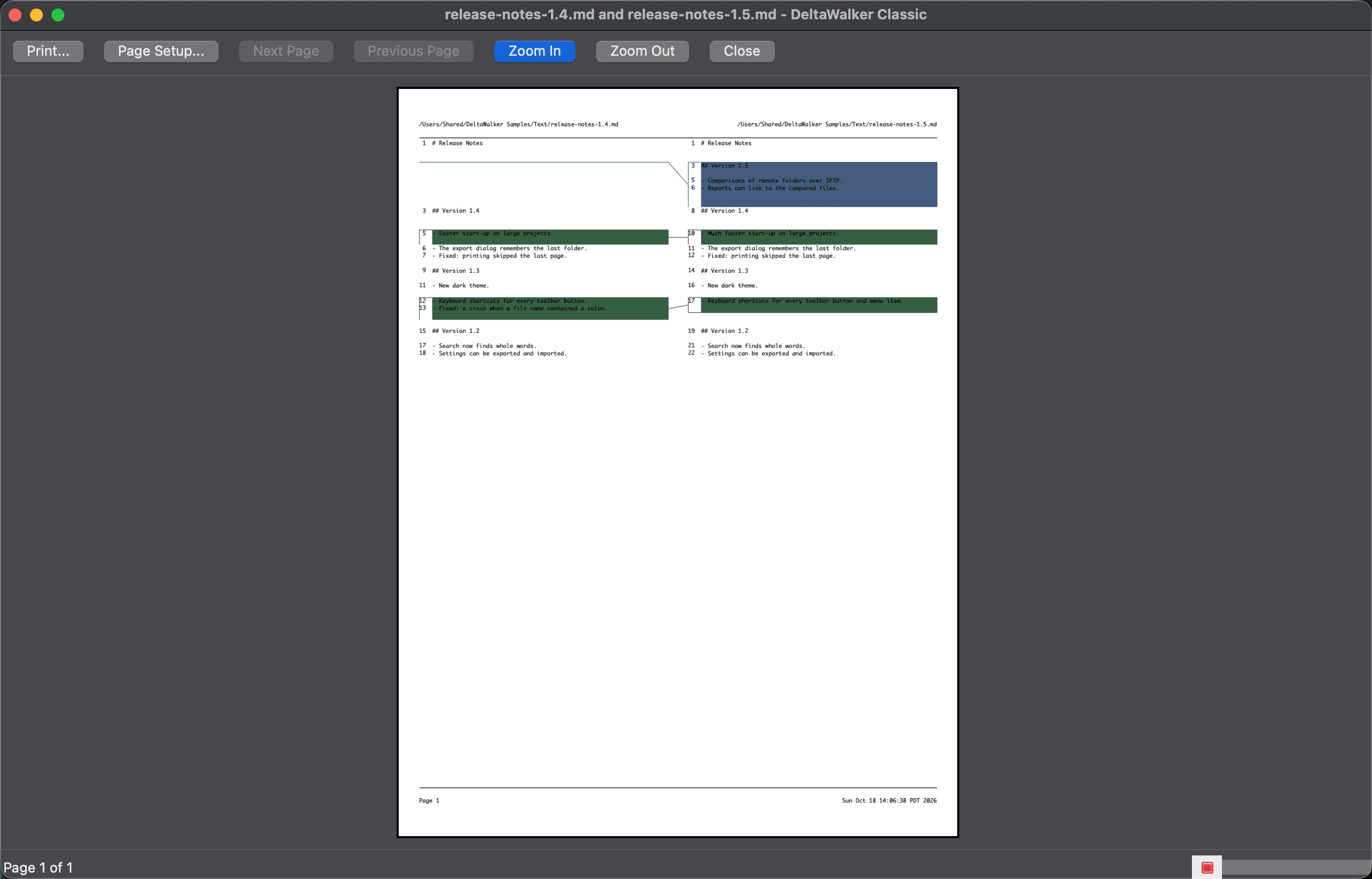
The print preview shows a close approximation of the printed result. To open it, choose File > Print Preview or click Print Preview… in the Page Setup dialog. The preview fits the page to the window until you zoom, and the status line shows the current page and the page count.
There may be minor differences in color and quality between the printed copy and the preview on your screen. To learn more about such differences and ways to minimize them, see Printing a Comparison.
| Control | Description |
|---|---|
| Print… | Opens the Print dialog. |
| Page Setup… | Opens the Page Setup dialog; the preview reflects your changes. |
| Next Page, Previous Page | Moves through the pages. Page Down and Page Up do the same, and Cmd+Home and Cmd+End go to the first and the last page. |
| Zoom In, Zoom Out | Changes the magnification of the preview. |
| Close | Closes the preview. |
Appearance
See Also
Last updated on