Switch to Editor Dialog
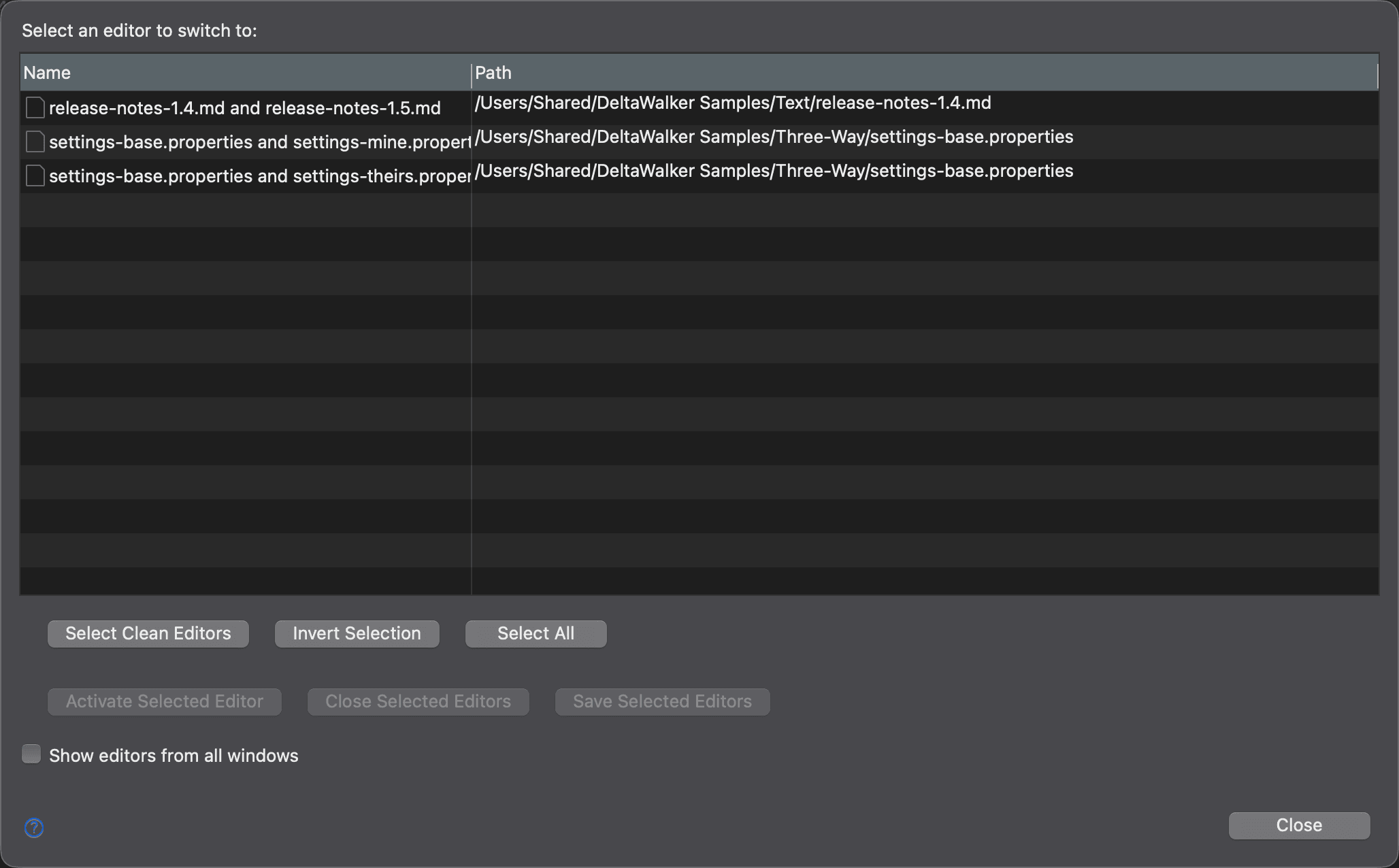
The Switch to Editor dialog helps you manage a large number of open comparison windows (editors). It lists them by Name and Path. To open it, choose Navigate > Views and Editors > Switch to Editor… or press Cmd+Shift+E.
| Control | Description |
|---|---|
| Select Clean Editors | Selects all comparison windows that have no unsaved changes. |
| Invert Selection | Inverts the current selection. |
| Select All | Selects all open comparison windows. |
| Activate Selected Editor | Activates the selected comparison window; available when exactly one is selected. |
| Close Selected Editors | Closes the selected comparison windows. |
| Save Selected Editors | Saves the changes in the selected comparison windows. |
| Show editors from all windows | Lists the comparison windows of all open DeltaWalker Classic application windows, not only the current one. |
| Close | Closes the dialog. |
Appearance
See Also
最后更新于