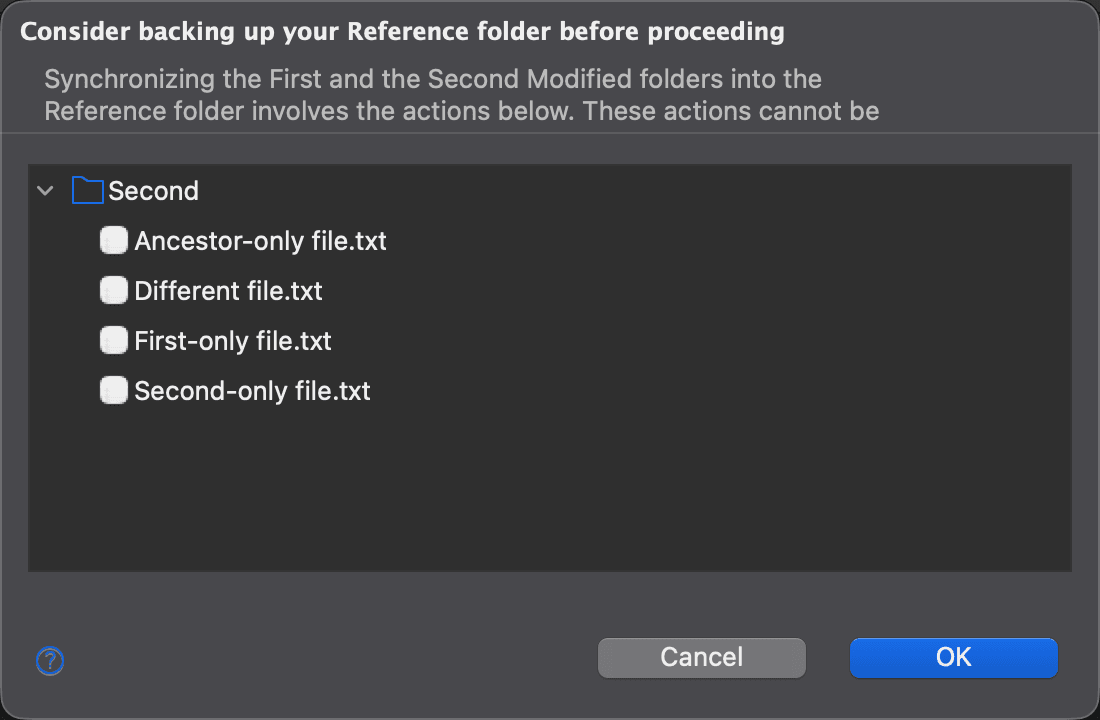
Synchronize Non-Conflicting Deltas Dialog
Merging the non-conflicting deltas of a three-way folder comparison synchronizes the First Modified and the Second Modified folders into the Reference folder. It involves copying files, overwriting existing ones and deleting files. These operations take effect immediately and are not undoable.
When you choose Edit > Merge Non-Conflicting Deltas in a three-way folder comparison, DeltaWalker Classic first displays the Synchronize Non-Conflicting Deltas dialog. It lists, in a tree of their folders, the items that are going to be added, replaced, deleted or merged, and recommends that you back up your Reference folder before proceeding.
Click OK to carry out the listed actions, or Cancel to leave the folders unchanged.
Three-way comparison is available in DeltaWalker Classic Pro and Oro, and during the trial.
Appearance