Save Modified Files Dialog
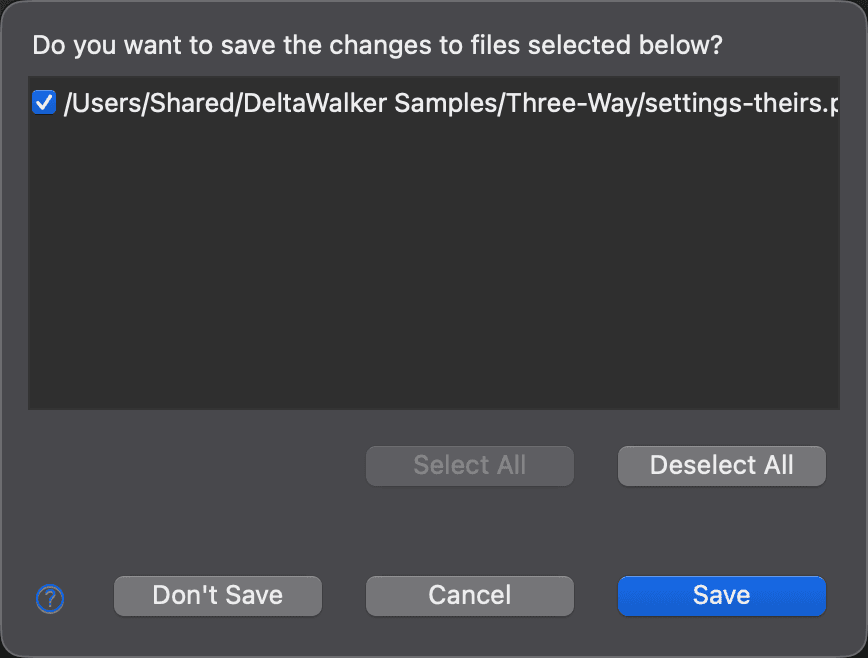
DeltaWalker Classic displays the Save Modified Files dialog when:
- You close a file comparison window in which one or more text editors have unsaved changes.
- You close the application window while one or more comparison windows have unsaved changes. In this case, all modified files appear in a single Save Modified Files dialog.
In either case, the dialog asks “Do you want to save the changes to files selected below?” and lets you choose which files to save. All modified files are selected when the dialog opens.
| Control | Description |
|---|---|
| Select All | Selects all files listed in the dialog. |
| Deselect All | Deselects all files listed in the dialog. |
| Save | Saves the selected files and closes the comparison window or the application window, depending on what you were closing. |
| Don’t Save | Saves no files and closes the comparison window or the application window. |
| Cancel | Closes the dialog and leaves everything open. |
Appearance
See Also
Dernière mise à jour le