Go to Line Dialog
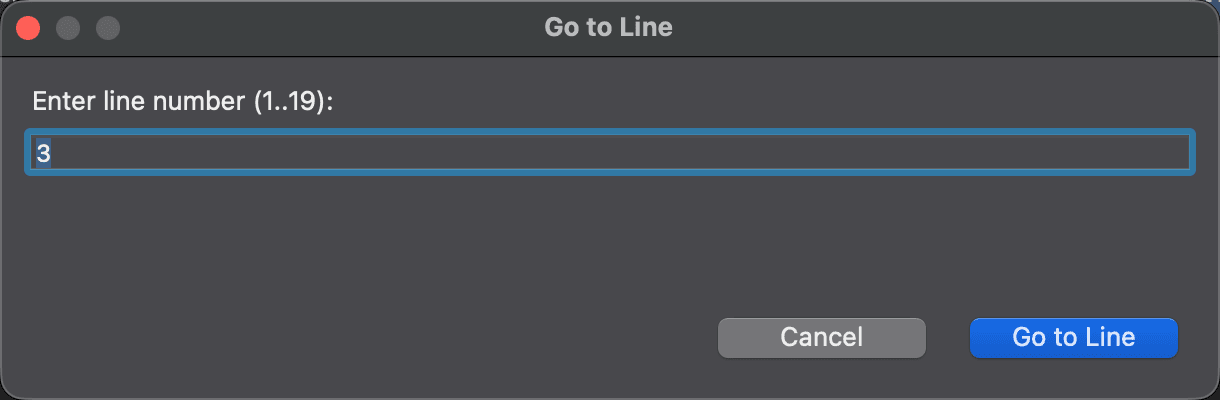
Use the Go to Line dialog to move the cursor to a given line in a text comparison editor. To open it, choose Navigate > Go to Line… or press Cmd+L.
Type a line number into Enter line number and click OK. The label shows the range of valid line numbers, from 1 to the number of lines in the file. If what you type is not a number, or is out of range, the dialog says so.
Appearance
See Also
Dernière mise à jour le