Print Dialog
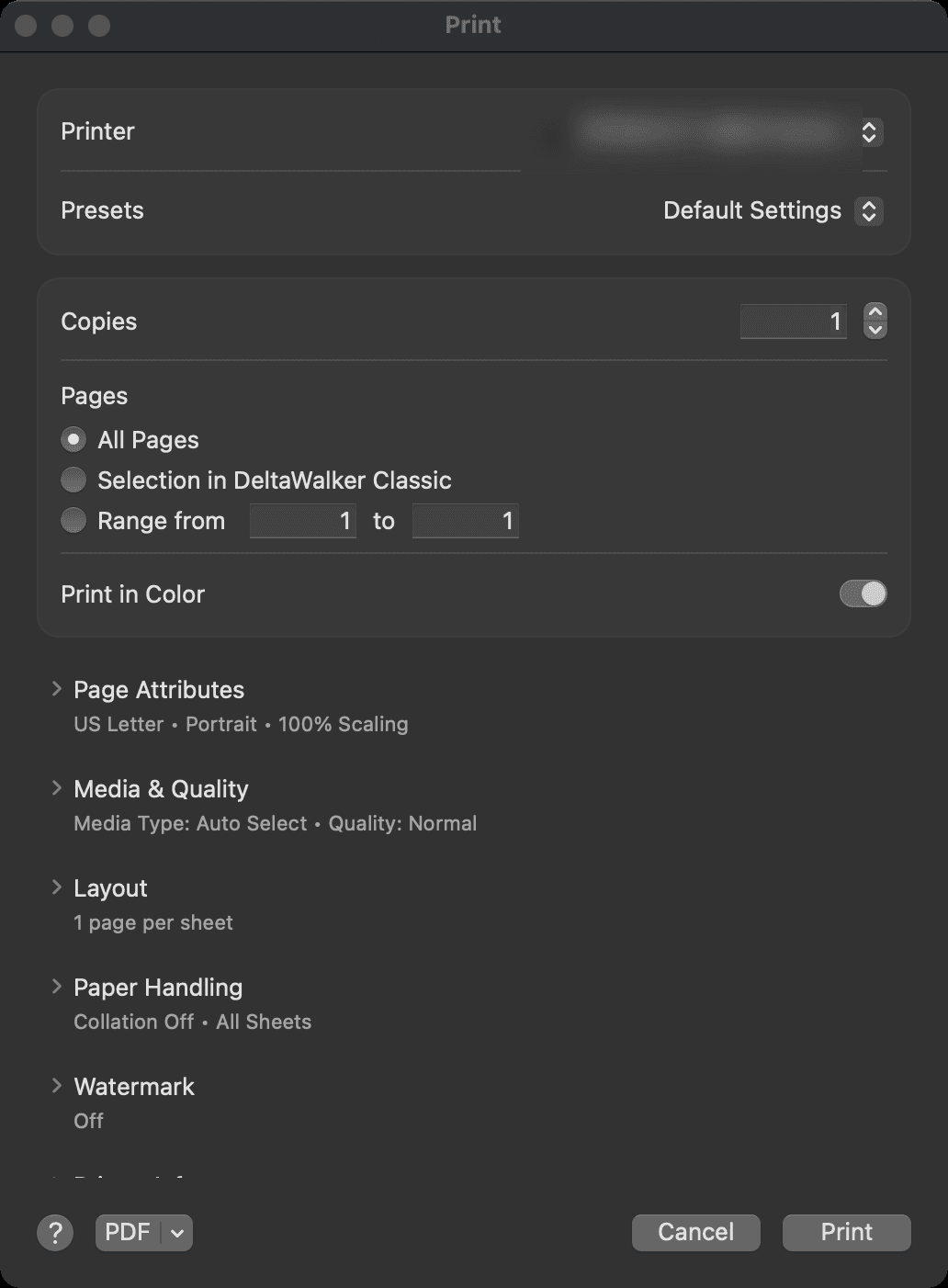
To print a comparison, make its window active, then choose File > Print… or press Cmd+P. You can also click Print… in the Print Preview window, the Page Setup dialog or the Text Comparison Summary dialog.
DeltaWalker Classic uses the native Print dialog of your operating system. For help with its options, consult your operating system’s help.
Appearance
See Also
Última actualización el