Text Comparison Filter Dialog
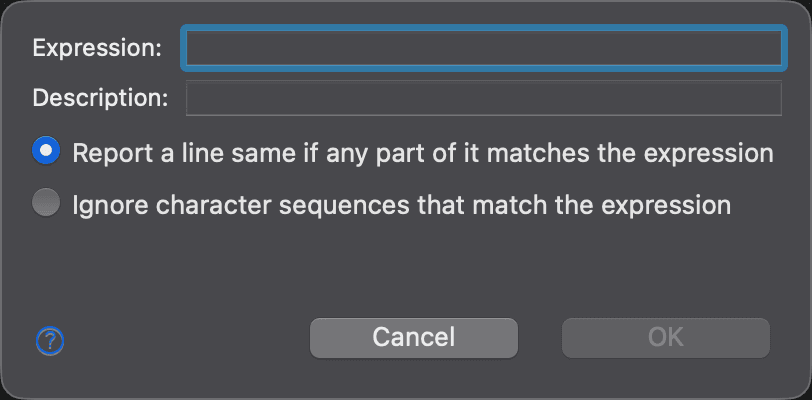
Use this dialog to create or edit a text filter: a regular expression that tells DeltaWalker Classic which text to ignore when comparing text. To open it, go to the Text Filters settings page and click New to create a filter (the dialog is titled New Filter), or select a filter and click Edit (Edit Filter).
| Control | Description |
|---|---|
| Expression | The regular expression to match. Type a tab character as \t. OK is available only when the expression is not empty. |
| Description | A human-readable name for the filter, shown in the list of filters. |
| Report a line same if any part of it matches the expression | Ignores a whole line when any part of it matches the expression. Selected by default for a new filter. |
| Ignore character sequences that match the expression | Ignores only the matching characters; the rest of the line is still compared. |
When you click OK, DeltaWalker Classic checks the expression. If it has a syntax error, the dialog says so; correct the error and try again.
For the difference between the two options, with an example, see Text Filters. For the syntax of regular expressions, see the Regular Expressions Quick Reference.
Appearance
See Also
Última actualización el